 Padmote
Draw on Your Mac From Your iPad
Padmote turns your iPad into a wireless annotation overlay, drawing tablet and presentation remote for your Mac. Draw with your finger or Apple Pencil, and it appears on your Mac screen in real time, over any app.
Enter TRYPADMOTE in the iPad app to get one month free.
You need both apps. Padmote for iPad runs on iPadOS 17 or later. Padmote Host is free and runs on macOS 14 or later.
Try it here: draw on the iPad and watch the Mac.
See What Shows on Your Mac
Pick a feature to see what you draw on the iPad and what shows on the Mac.

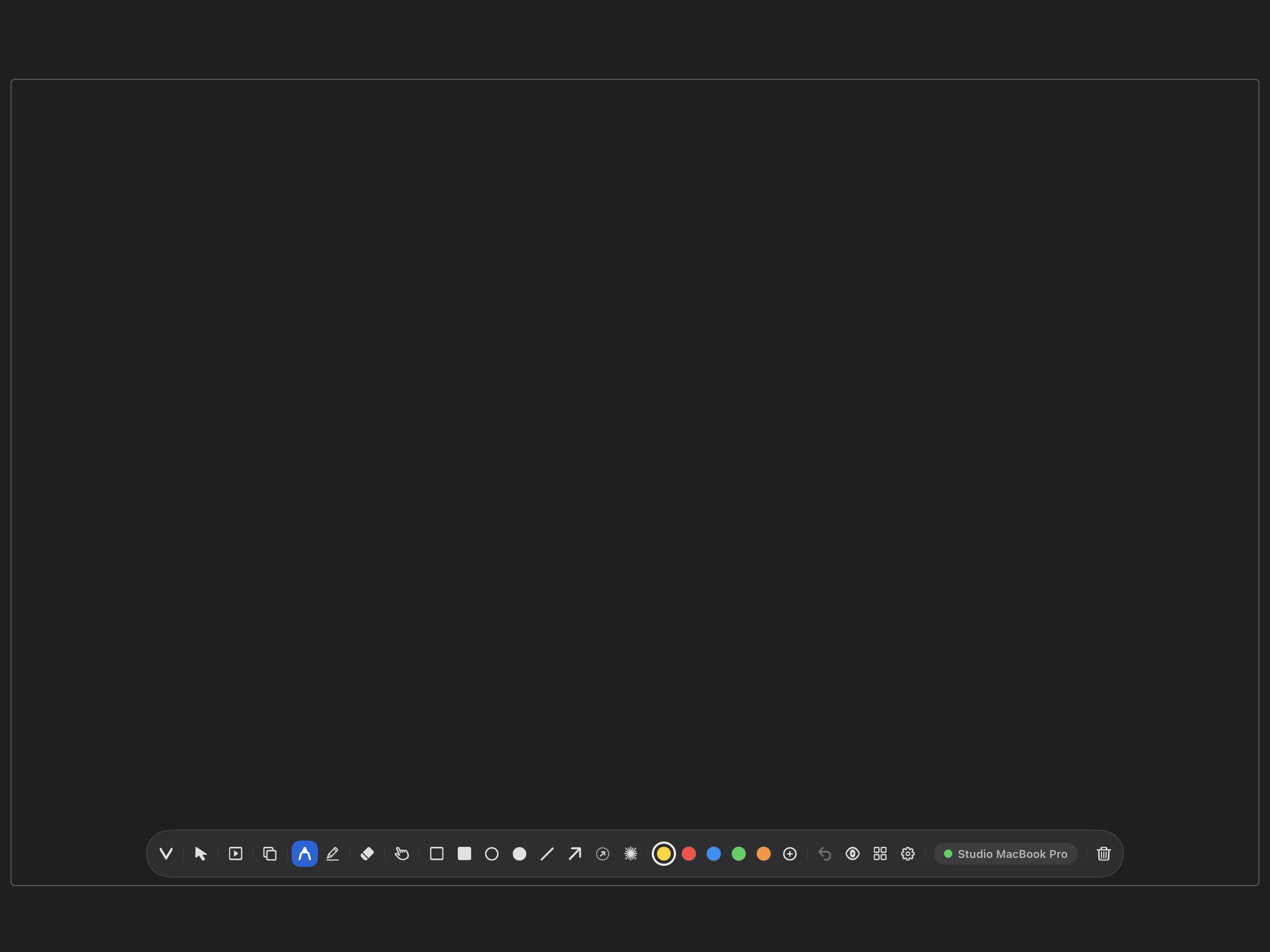
Draw a Circle
Sketch, circle and mark up anything on your Mac screen, live from your iPad.
Set Up in Three Steps
On Your Mac
Download Padmote Host for Mac. Open the downloaded installer and follow the steps. Open Padmote Host from Applications and keep it running.
On Your iPad
Install Padmote from the App Store and open it. Allow Local Network access when asked. Enter TRYPADMOTE in the app to get one month free.
Connect and Draw
Put both devices on the same Wi-Fi network or connect them with a USB-C cable. Select your Mac in Padmote on your iPad and enter the six-digit code shown by Padmote Host. Draw on your iPad to see it on your Mac.
For cursor control and slide changes, turn on Padmote Host in your Mac’s System Settings > Privacy & Security > Accessibility. Drawing works without this permission. Setup Help
Included Features
Padmote draws on a transparent overlay on your Mac, so the app underneath keeps working.
Drawing and Annotation
- Pencil and highlighter tools
- Rectangle, circle, line and arrow, plus filled shapes
- Eraser, selection with resize handles, undo and clear
- Colors, line width and opacity you choose
Canvas
- Background color and opacity
- Grid, dots, lines and graph patterns
- 9:16 and 9:8 framing guides on the Mac
- Tool wheel you can rearrange
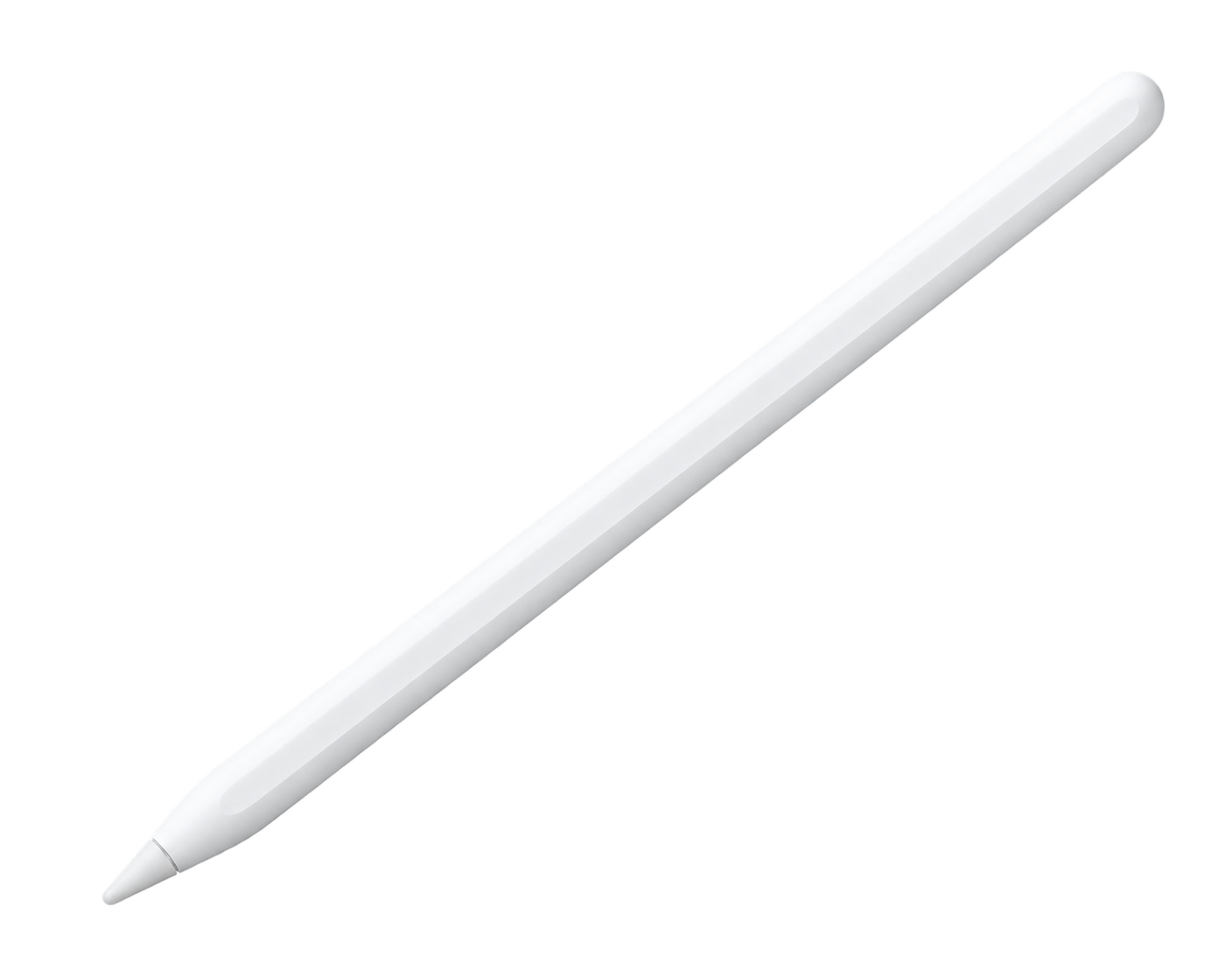
Apple Pencil (Recommended)
- Hover shows a live cursor on your Mac
- Double-tap gestures you can customize
- Hover and double-tap need a compatible Apple Pencil and iPad
- Drawing also works with touch
Connection
- Wi-Fi, or a USB-C cable automatically
- Finds your Mac on the same network
- Secure six-digit pairing code
- Optional Bluetooth assist keeps the pointer smooth during Wi-Fi pauses
Cursor Control
- Move the Mac cursor from your iPad
- Point, click and select
- Right-click by double-tap needs Apple Pencil (2nd generation)
Presentation Mode
- Advance slides with large on-screen arrows
- Annotations clear between slides
- Works with Keynote, PowerPoint, Google Slides and any presentation app
- Choose which display to annotate
Built for People Who Show Their Screen
Screen Recordings
Annotate while you record tutorials, walkthroughs and product demos. Your drawings are part of the Mac screen capture.
Teaching
Draw diagrams and mark up slides live during class, in any app or shared screen.
Presentations
Advance slides from your iPad and annotate as you talk. Each slide starts clean.
Vertical Video
Frame a 9:16 or 9:8 short with the guides on your Mac, then mark it up as you record.
Choose Your Plan
Subscribe monthly or yearly, or buy Version 1 with one payment. Padmote Host for Mac is free.
- Every drawing, shape and canvas tool
- Apple Pencil hover and double-tap
- Cursor control and presentation mode
- Laser pointer and mirrored toolbar
- Family Sharing
All premium features and major upgrades are included while subscribed. Save $14 a year compared with monthly billing.
Enter TRYPADMOTE in the iPad app to get one month free.
Download on theApp StoreUS prices. The app shows your local price before you buy. The subscription renews automatically unless you cancel at least 24 hours before the end of the period. Cancel in your Apple Account settings or in Padmote Settings.
Private by Design
Read the full Privacy Policy.
No Account
Padmote does not ask for an account or an email address.
Drawings Stay Local
Drawing and control data travel over encrypted local connections between your iPad and Mac.
No Ad Tracking
We do not use your data for cross-app advertising tracking.
Questions
We recommend Apple Pencil. You can also draw with your finger. Apple Pencil adds hover, which shows a live cursor on your Mac, and double-tap gestures. Both need a compatible Apple Pencil and iPad.
More answers on the Support page, or email support@willisworxs.com.